Check the rule.
Then let it do the work
Rules respond to events or run on a schedule. Conditions use the same QQL vocabulary as issue search.
Preview the effects
Conditions select the issues a rule applies to. The rule then carries out its configured actions, such as adding a label or a comment. Before enabling it, use Check on real issues to see which ones match and what actions would run, without saving issue changes.
Read the documentation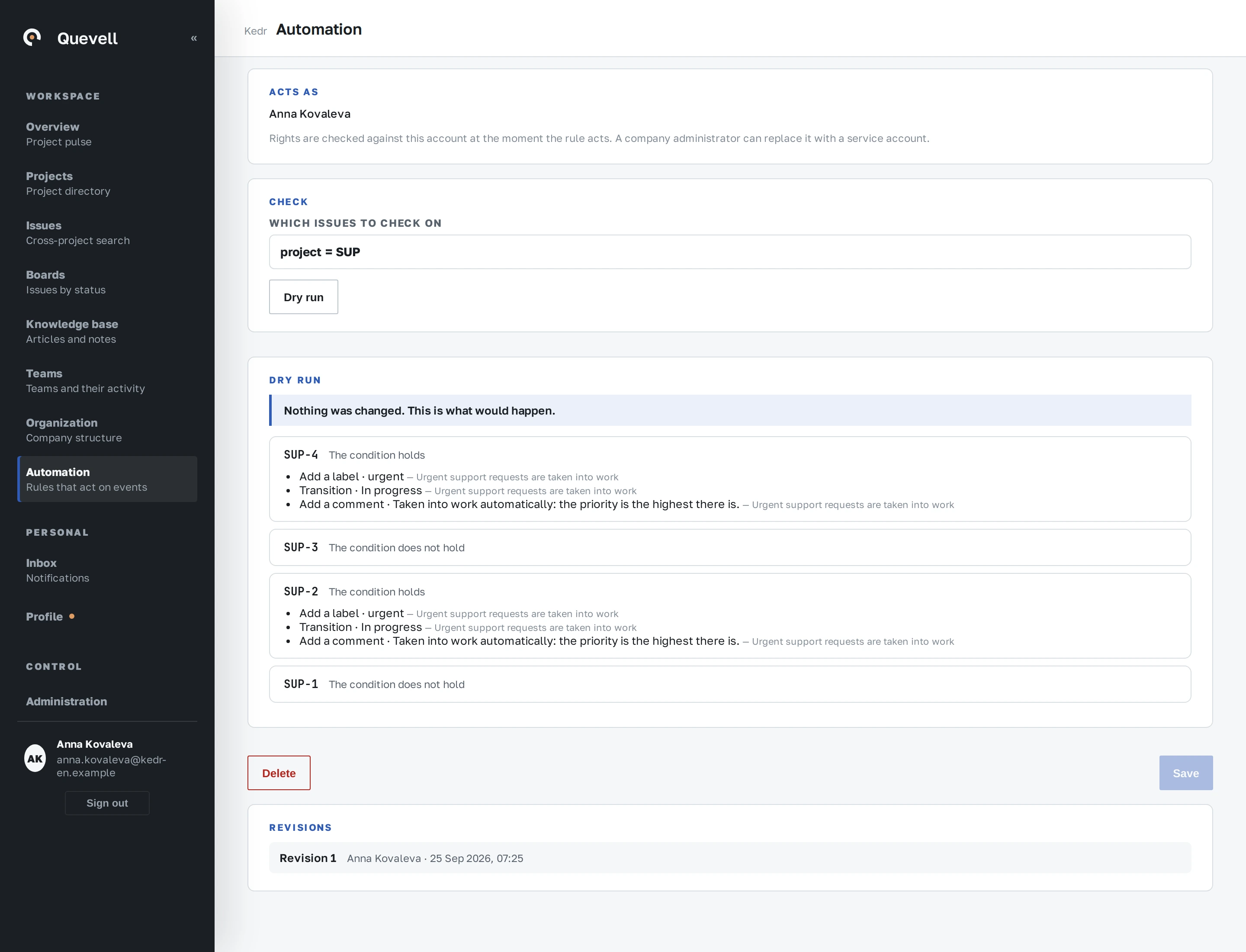
After the Check
Check previews the actions a rule would take on the selected issues. Issue changes are not saved and no external calls are sent. Refine the condition and check another selection before enabling the rule.
Read the documentationOnce enabled
Rules respond to an event or run on a schedule. A schedule specifies its own time, recurrence and time zone. Actions include assignment, field updates, transitions, comments, notifications and time records. The journal identifies the result and rule revision. Outbound HTTPS calls use the company allowlist and do not follow redirects.
Read the documentationTry it with your own work
30 calendar days, up to 10 seats, the full product.