Review what comes in.
Export what you create
Preview CSV before importing. ZIP transfers issues and attachments. Export issues as CSV or ZIP and knowledge pages as Markdown. Access to the data follows the user's permissions.
Validate before writing
CSV imports accept up to 5000 rows. The company sets the file size: 5 MB by default, from 1 to 10 MB. UTF-8 and windows-1251, commas, semicolons and tabs are supported. Map columns to project fields and values to existing vocabulary. Preview reports errors by row and writes nothing. Plain CSV does not import attachments or change history.
Read the documentation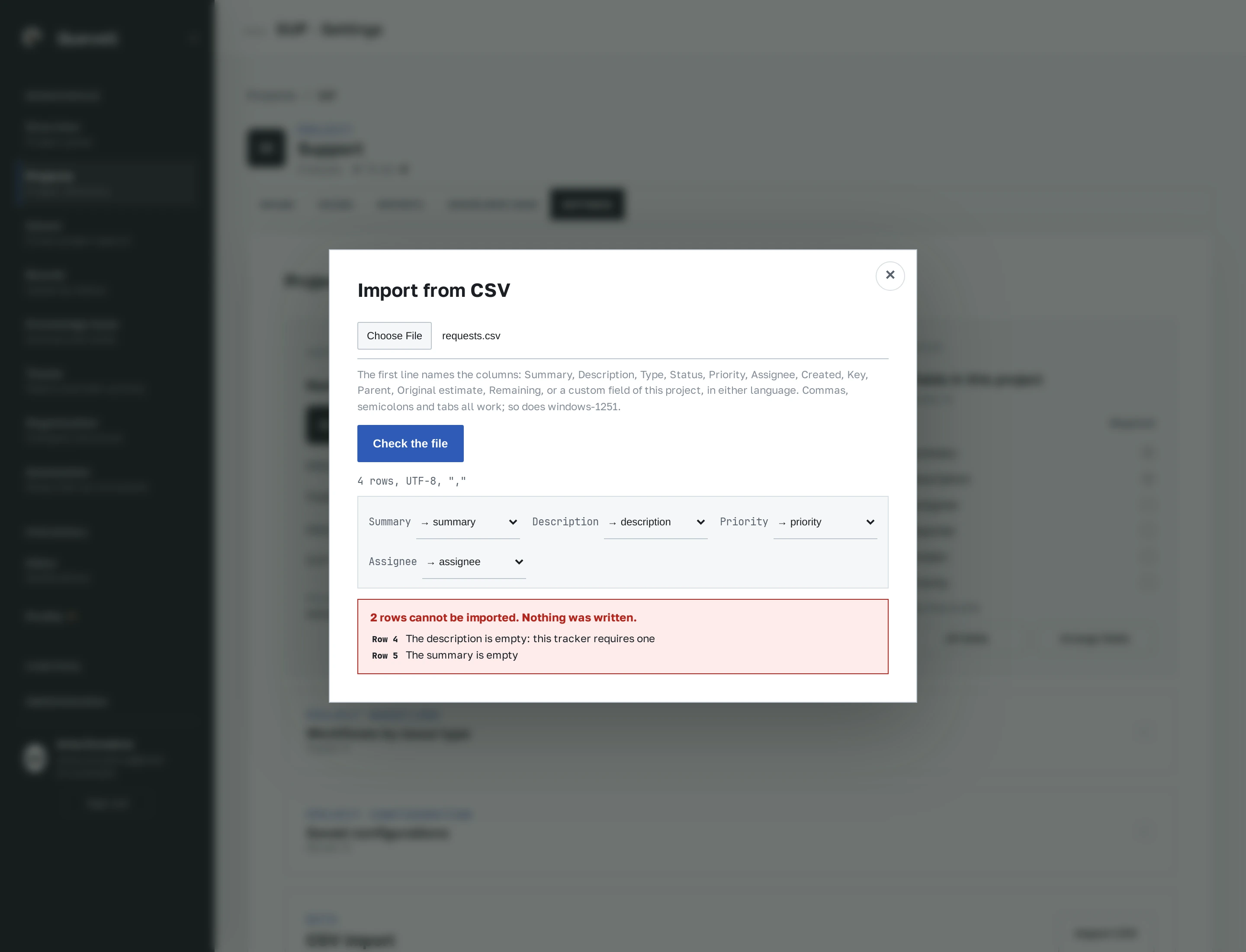
Apply as one change
The file is validated again when applied. All issues are written in one transaction or none are. Original keys express parent relationships within the file; the report maps them to the new issue keys.
Read the documentationWhat the export contains
Export search results using the current filters and the user's issue access. The interface exports up to 1000 rows; the API allows up to 10000. ZIP includes issues.csv, issues.json and attachments, with an export limit of 50000 issues. Import that archive into a project after reviewing the preview. A knowledge page downloads as Markdown. A single complete company archive is not implemented.
Read the documentationTry it with your own work
30 calendar days, up to 10 seats, the full product.